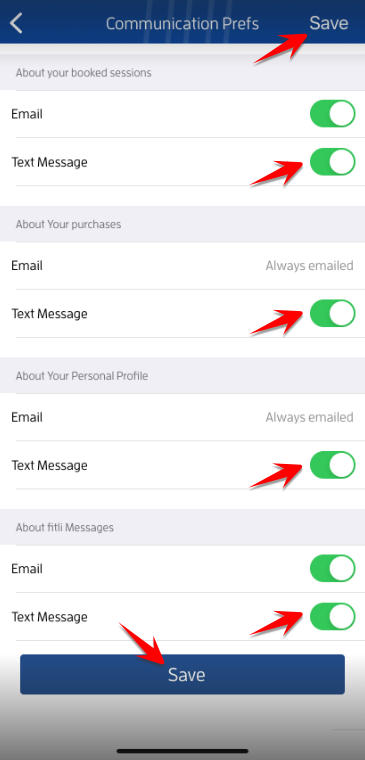
We strive to make sure every email reaches you - welcome emails, booking and payment emails. Sometimes, however, the ISP (Internet Service Provider) you use may be blocking our emails and thinking they are "Spam" or "Trash". Aggressive filtering of commercial emails sometimes happens without you knowing it, or one click of a previous spam email may put Fitli's emails into that list as well.
To ensure you'll get notifications from us, make sure that your mobile number is updated on your Fitli account, you've opted in to receive text notifications, and you've turned on your text/sms notifications. This way, in case there are issues with your email settings, you'll still get a text.
To do this, log in to Fitli.com, click Account at top menu and Contact Info on the pulldown.
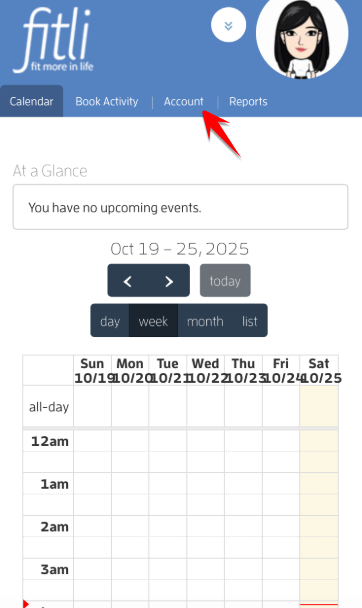
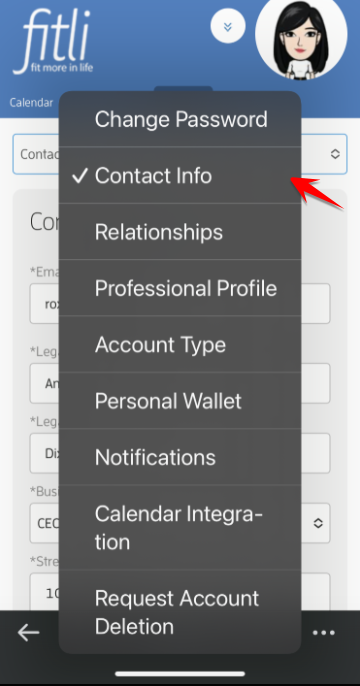
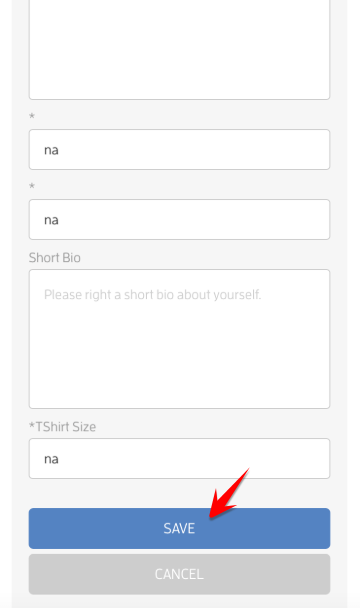
On the Contact Info page, scroll down to your mobile number, update it, click the box below it to opt in to receive sms notifications then hit SAVE at the bottom.
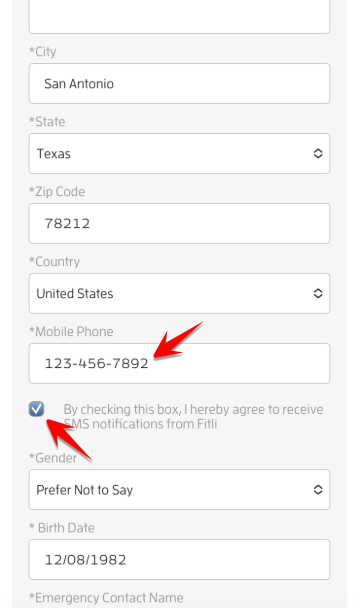
A confirmation in green will appear at the top that you've successfully updated your info.
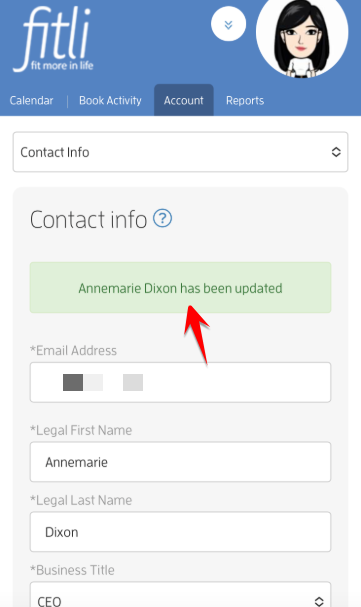
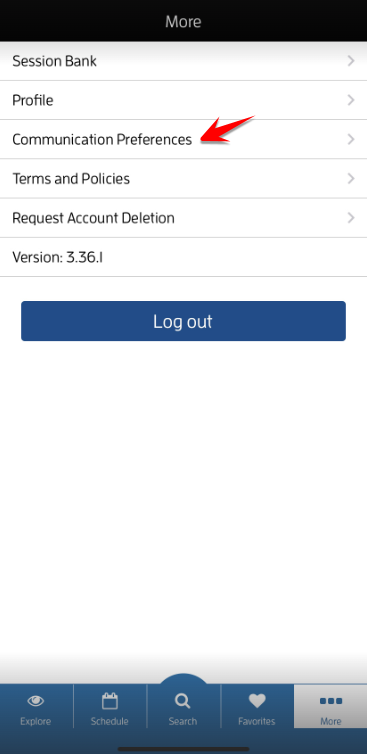
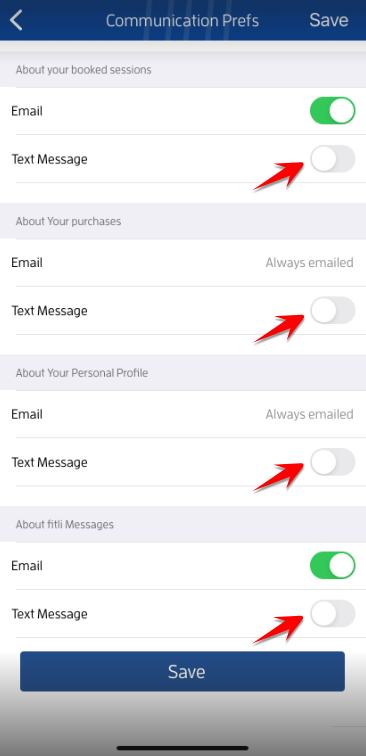
From here you can go to the Notification Settings page and check the boxes beside "Text" for the notifications you want to receive, and you're all set!
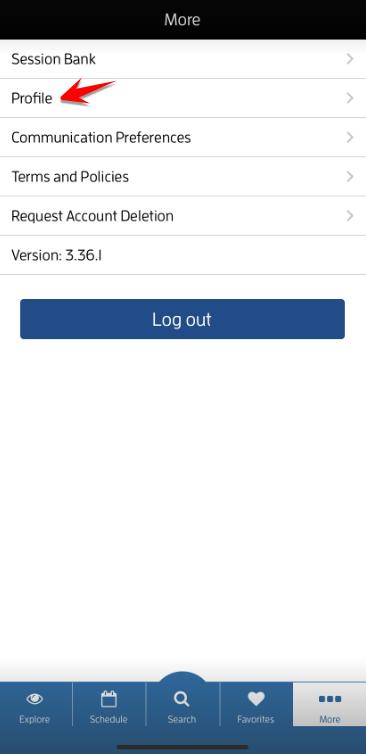
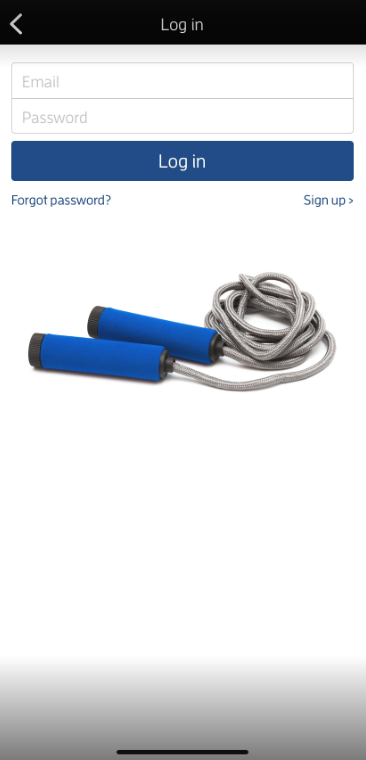
If you want to update it on the app, log in to your Fitli account.
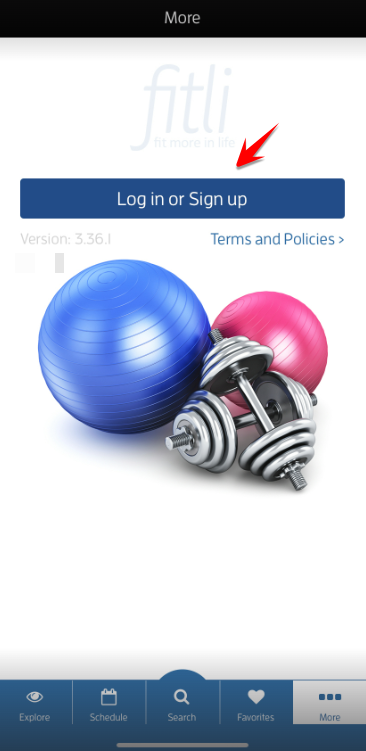
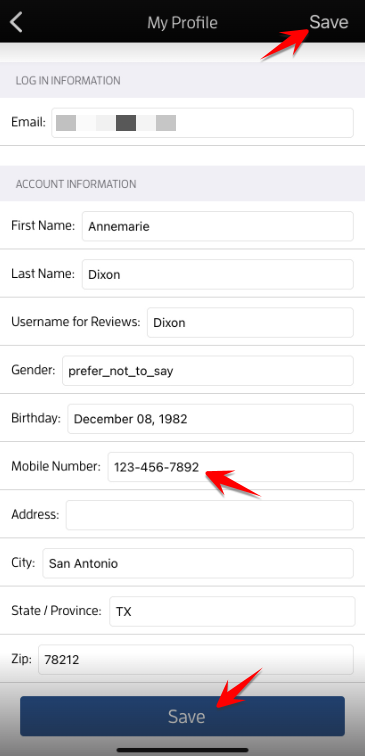
Tap "Profile" on the "More" page. Update or add your mobile number on the "Mobile Number" field and hit save. Very Important!
Note: You can only opt-in to receive sms notifications on the mobile fitli.com NOT on the app. Make sure to check the box below your mobile number on the Contact Info page then hit SAVE.
In this example, the client has already opted in to receive sms notifications via the mobile site.