How to Set your Appointment Availability?
You can easily add/update your appointment availability with just a few clicks. Here’s how.
Prerequisites:
- You should be connected to your business.
-
The business must have already adjusted the settings for your account to be available for appointments in the business’ admin section.
-
The business must have already activated the “Allow user to edit their own availability” option for your user account.
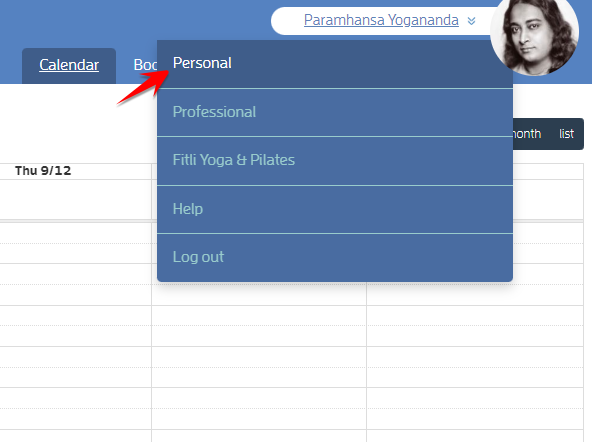
To do this, log in to your account, click your name at the top right then select “Personal” on the pulldown.
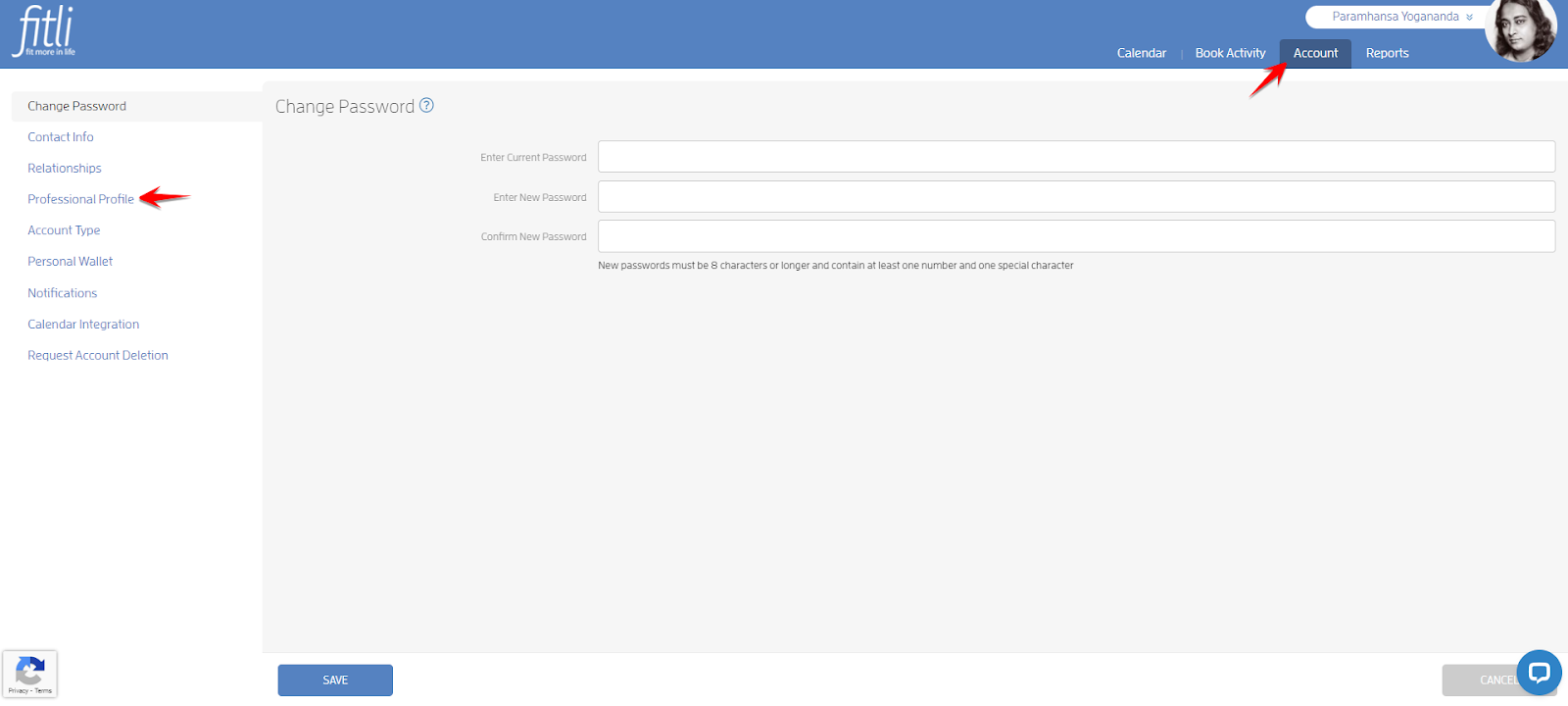
Click Account > Professional Profile.
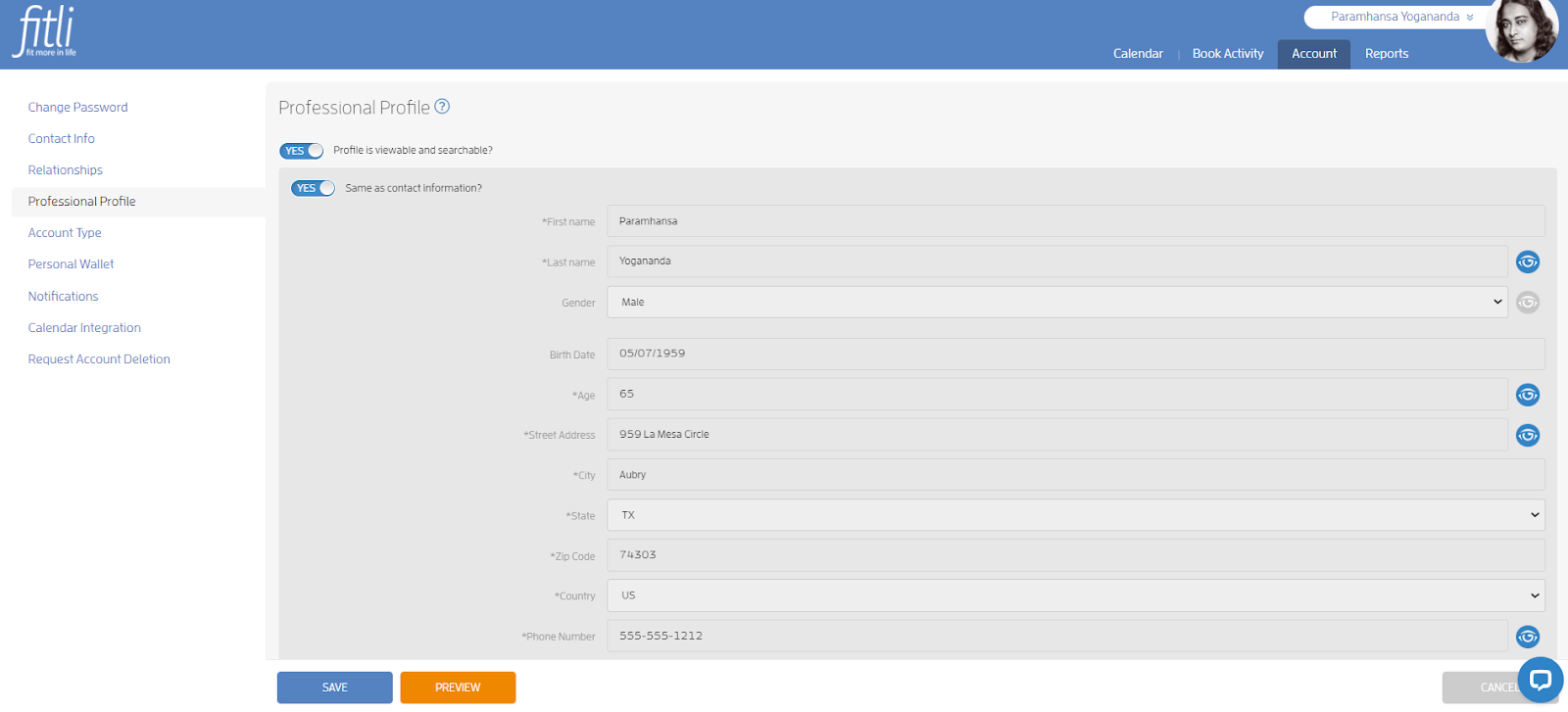
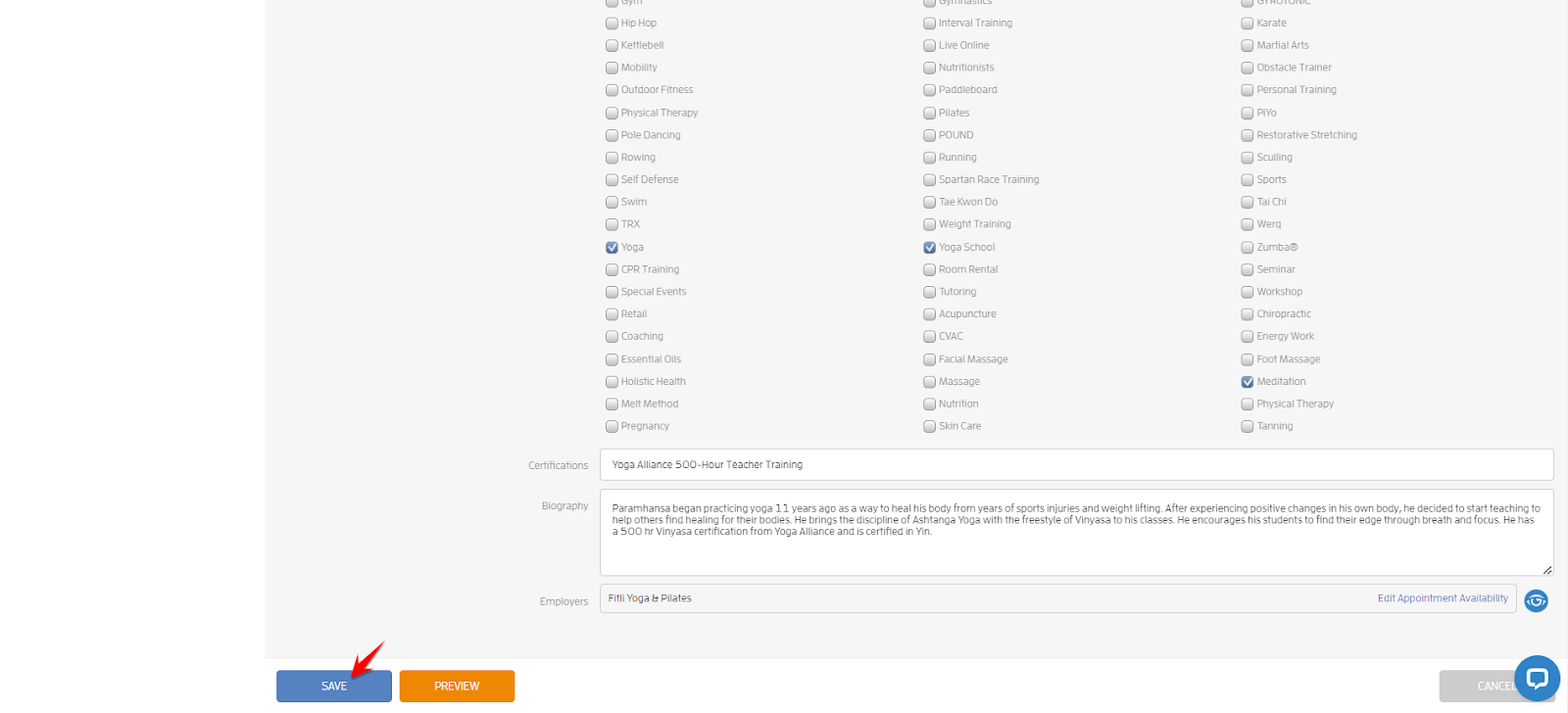
On the Professional Profile page, scroll down until you see “Edit Appointment Availability” beside the business name.

Click the link to open the modal. Use the pulldowns to set your work days and hours, click ADD WORK HOURS then click SAVE twice.
Note: You need to do this for each day you’re available for appointments. You can either add a broader time range, say 8am-12pm. Or, you can be as specific as you'd like.


A confirmation in green will appear at the top that you successfully updated your Professional Profile.
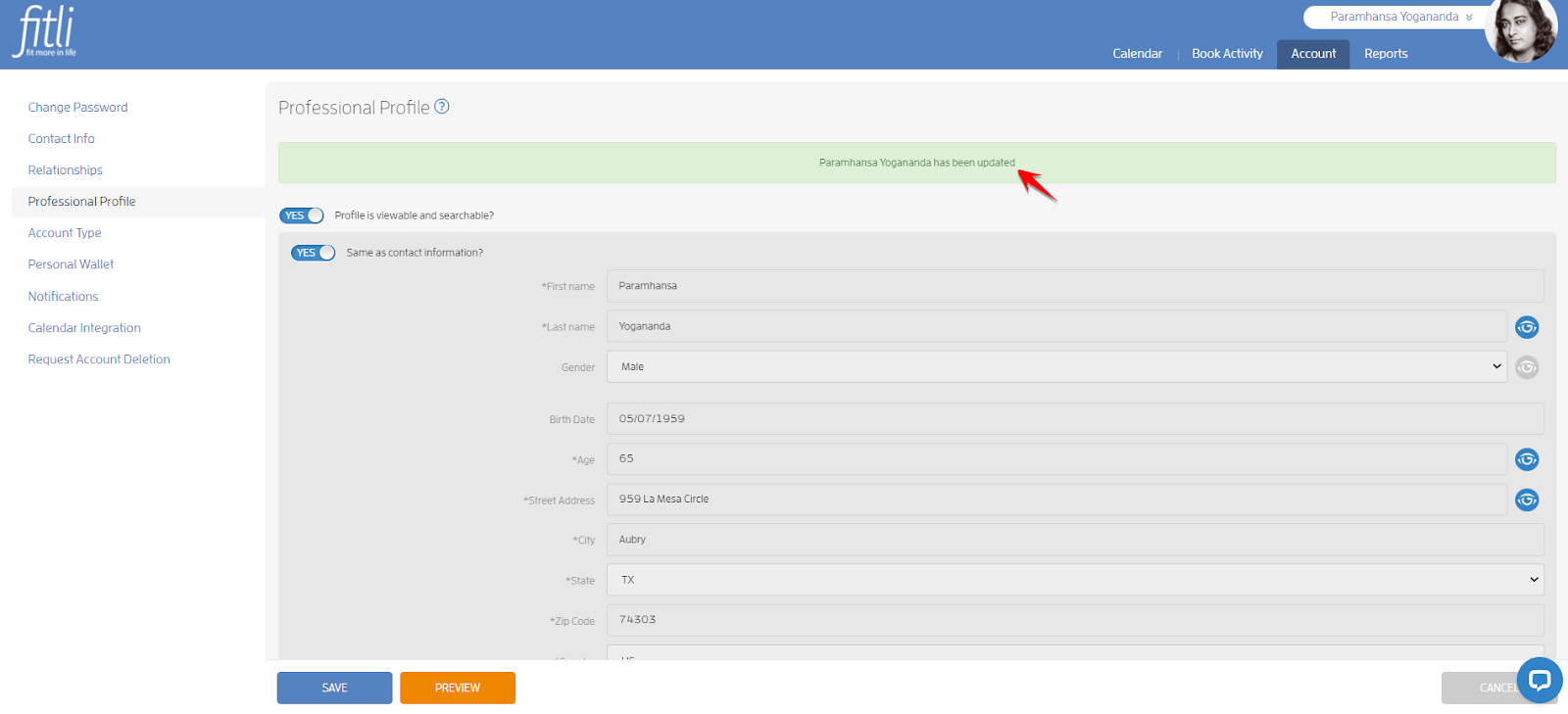
To delete your availability, repeat the first few steps above, click X beside the time slot then hit SAVE twice.


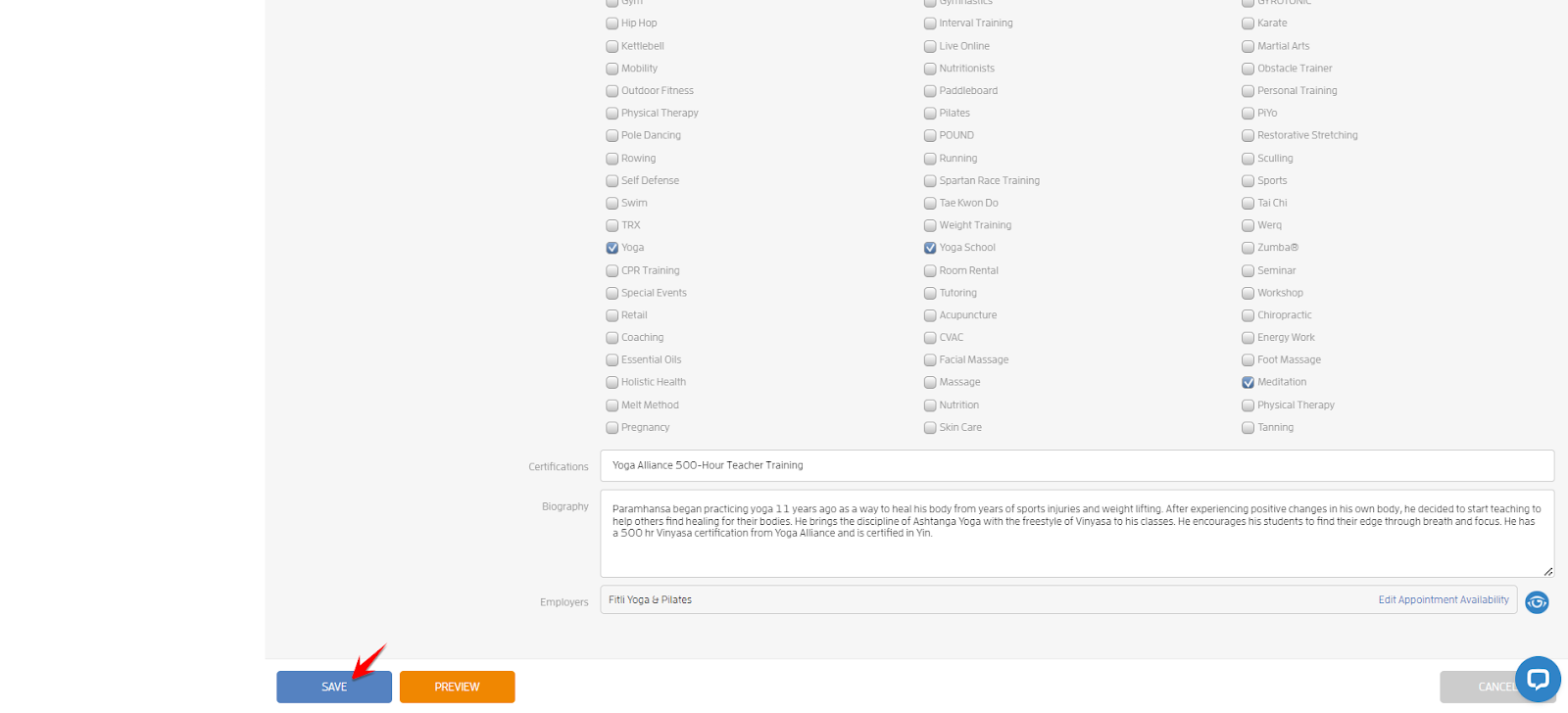
A confirmation in green will appear at the top that you successfully updated your Professional Profile.
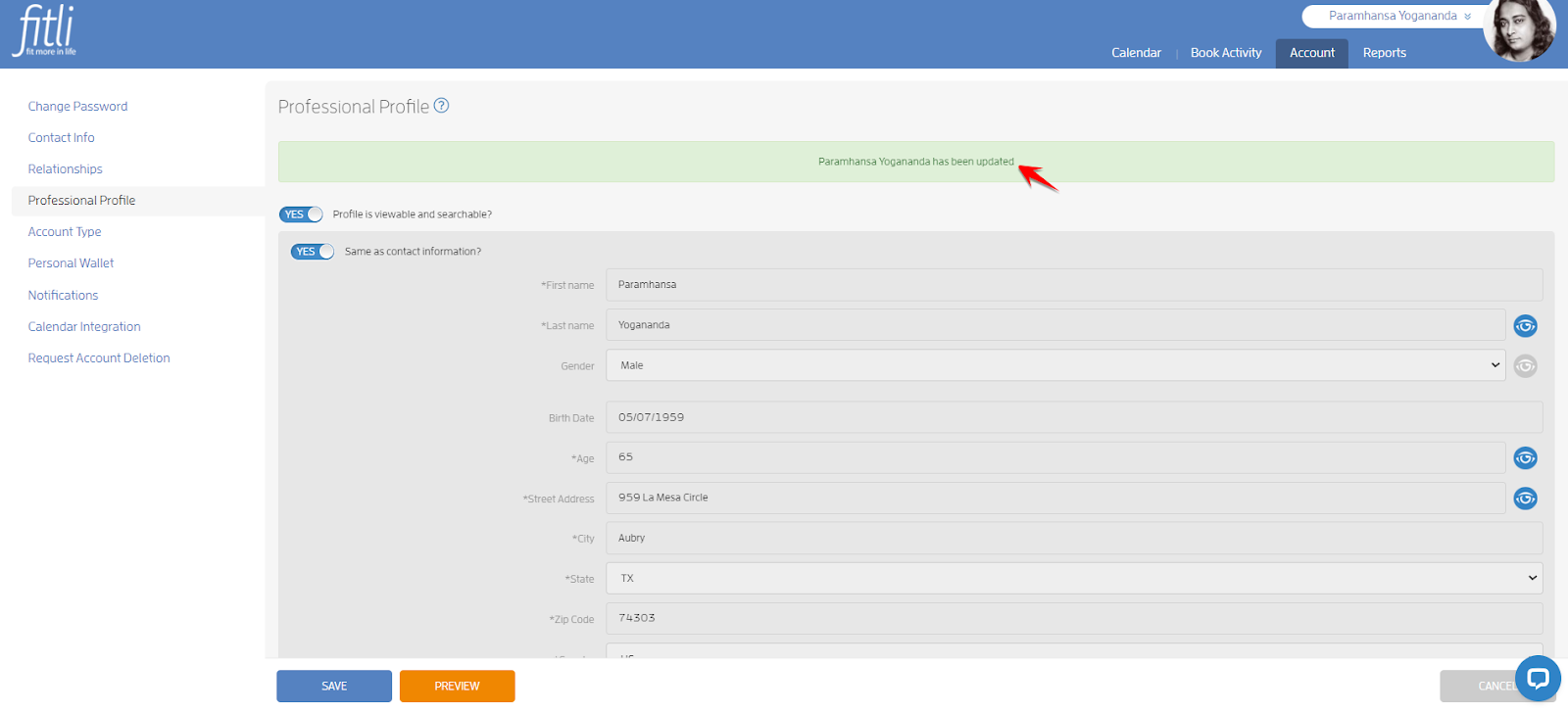
If you need to update your appointment services, contact your business so they can update it for you on your user’s profile.
That's about it! Any questions? Chat with us or send us an email to support@fitli.com.
Related Articles
How to Override Appointment Availability?
To override your trainers appointment availability, there are three main things you’ll need to do: - Set up your users’ profiles for appointments. - Add at least one appointment "service." - Configure your appointment business settings. (More details ...How can I adjust my appointment availability?
If you're a trainer or a business owner and want clients to be able to book you in private, one on one appointments, you'll need to set up your "availability". This tells our system when you're free for appointments! To set up appointment ...How to Allow your Professionals to Set their own Appointment Availability?
If you want to allow your professionals to set their own appointment availability, here’s how. Prerequisites: Add your Users and set their access level. Set up their User profile for Appointments. Add at least one Appointment. Configure your ...Appointment Booking: Default Professional
This feature would easily make booking appointments efficient and help you determine which of your users have appointment availability configuration issues. SOLO USER If you're a solo business user, you're the owner and professional, you are ...iOs App: How to Reschedule an Appointment?
Are you a customer or client of a business, who wants to reschedule an appointment? Here's how. First, log in to your Fitli personal account. You'll typically be taken directly to “More”. Tap the “Schedule” button to view any and all upcoming classes ...