
Interested in purchasing your business' merchandise? Well, you can! Get those t-shirts, water bottles and uniforms ready!
Note: Not all businesses sell retail products. Some of them choose to sell their merchandise in-store and not online. For more info, contact your business directly.
To do this, log in to your Fitli account then go to "Book Activity".
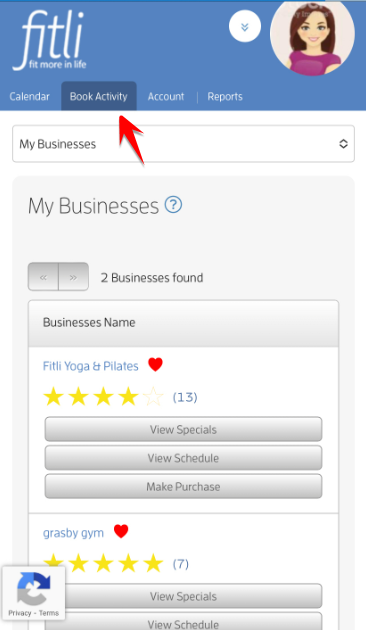
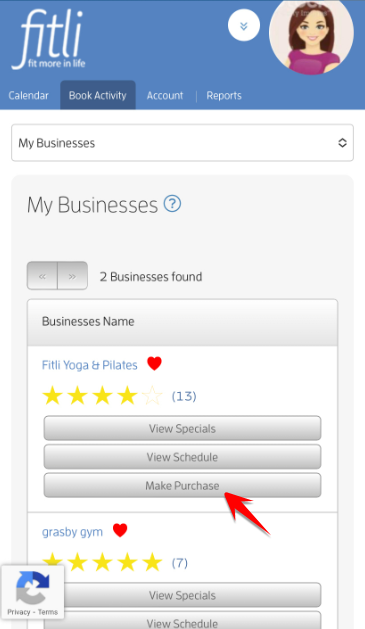
Tap the "Make Purchase" button of your business.
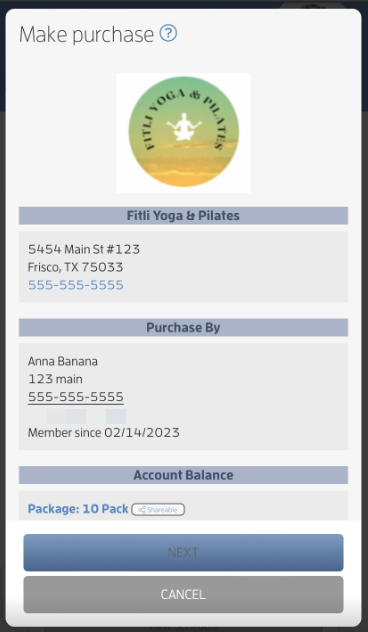
On the "Make Purchase" screen, scroll up and look for the item you want to purchase under RETAIL PRODUCTS. Tap PURCHASE beside it.
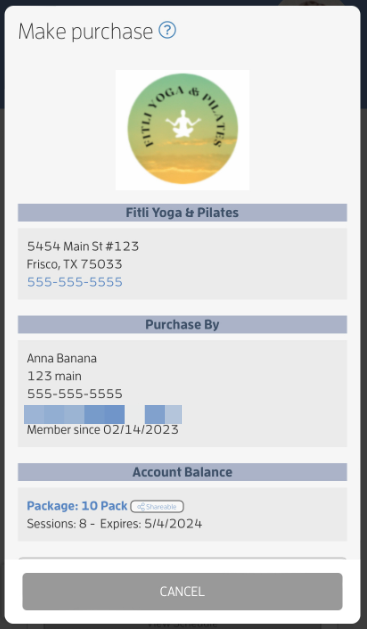
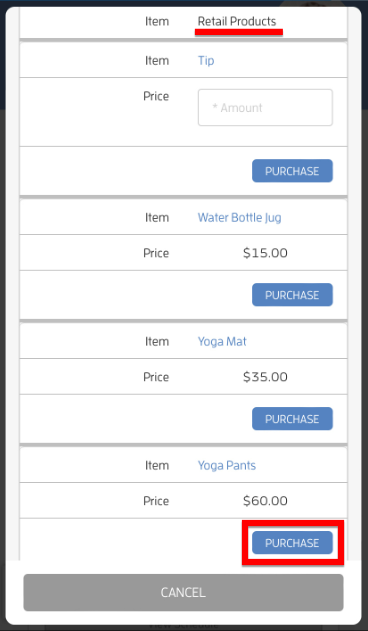
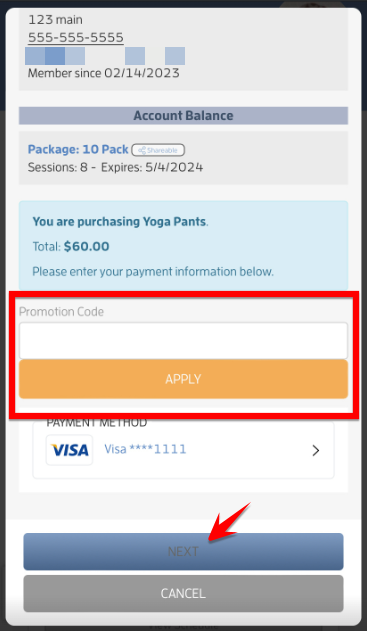
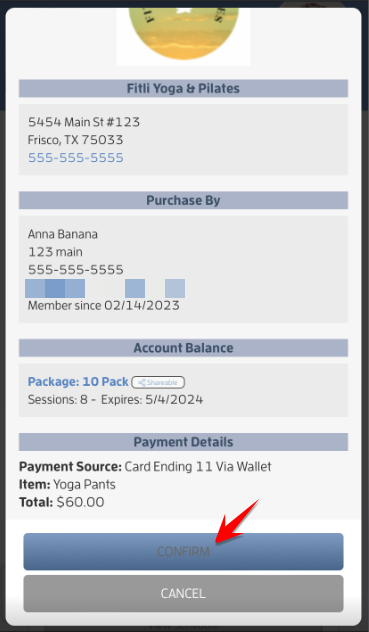
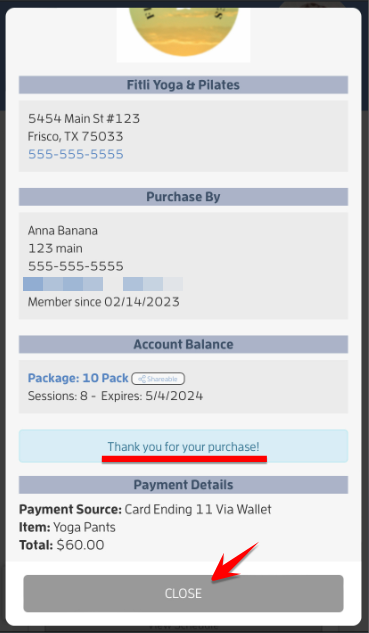
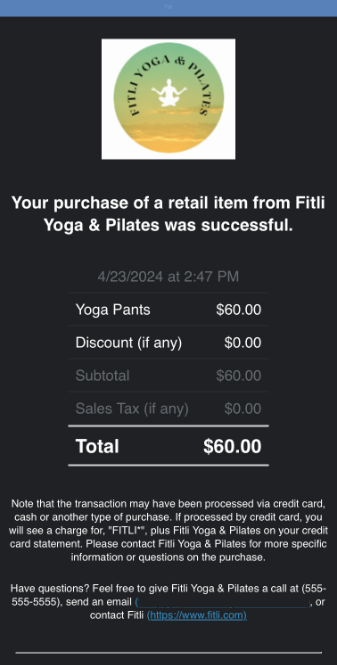
If your business gave you a promo code, enter the code on the "Promotion Code" field, tap "Apply", NEXT and CONFIRM. A confirmation message will appear that you successfully paid for the item. We'll notify your business and you'll receive a "Purchase" notification email for each item purchased. Screenshots below.
That's about it! Any questions? Chat with us at fitli.com or send us an email to support@fitli.com.