
Checking your account balance (a.k.a. session bank/ remaining sessions) and/or expiration date is easy. Here's how.
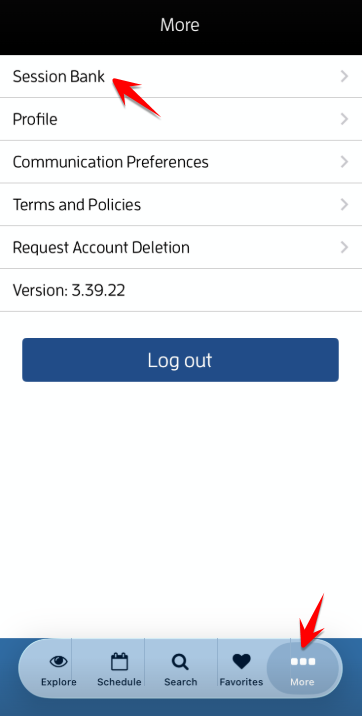
Log in to your Fitli account and tap "Session Bank" on the "More" page.
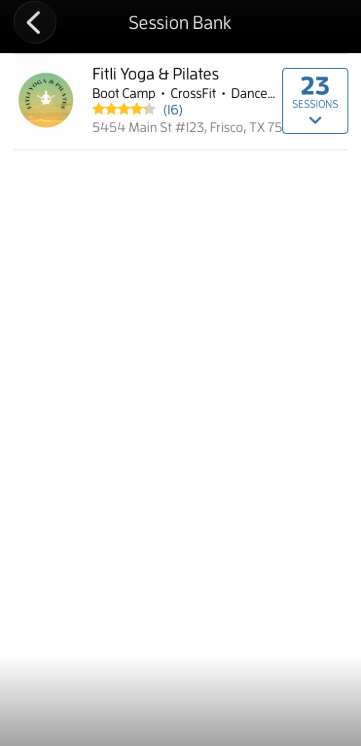
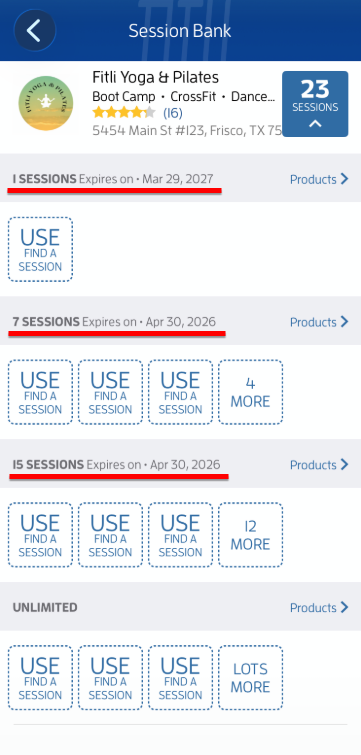
In this example, the customer has 23 sessions remaining: 1 for Drop-In (Beginner Yoga), 7 for Pilates Class, and 15 for Family Yoga. Limited sessions (not unlimited) have their expiration dates displayed next to them, while the auto-renewing unlimited package has no expiration date. Note: The expiration date for the auto-renewing unlimited package will appear once auto-renew is canceled.
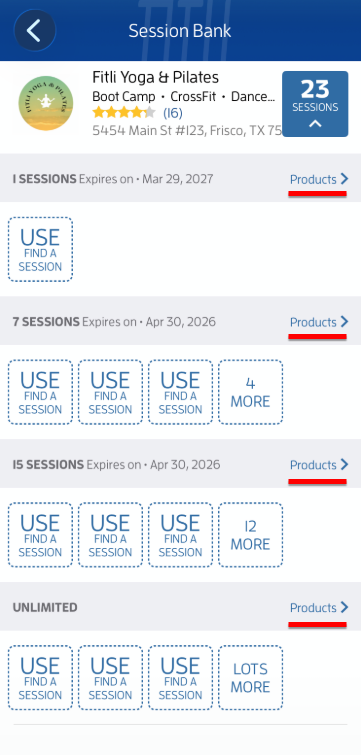
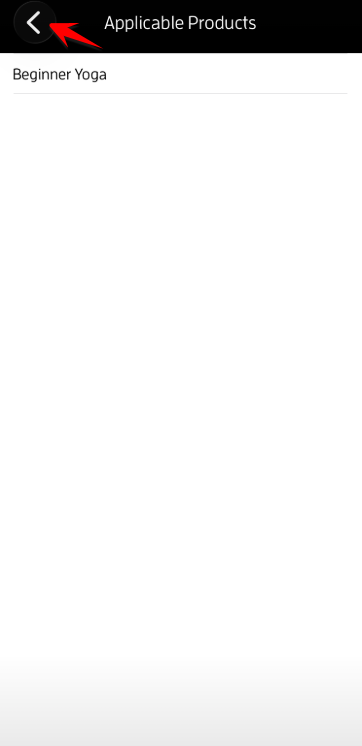
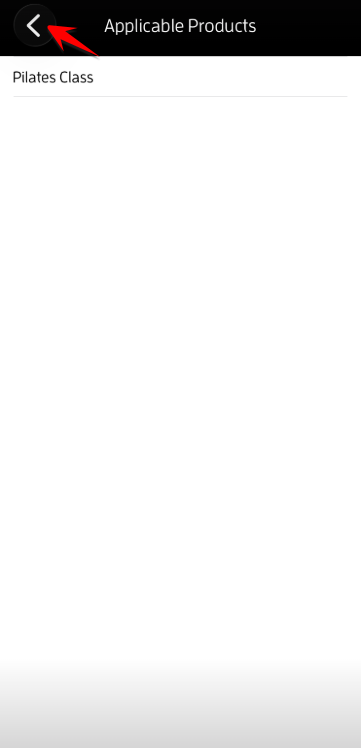
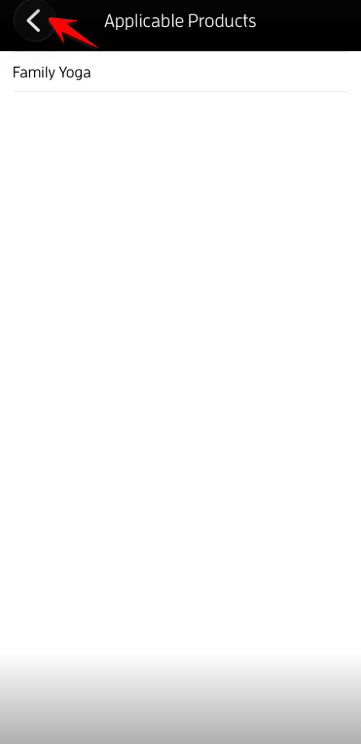
Tap "Products" to show which products/services/sessions your packages are applicable to. To go back to your "Session Bank", tap the back arrow at the top left. Sample screenshots below.
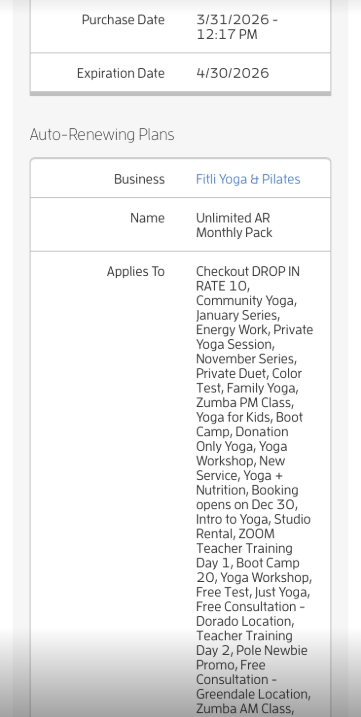
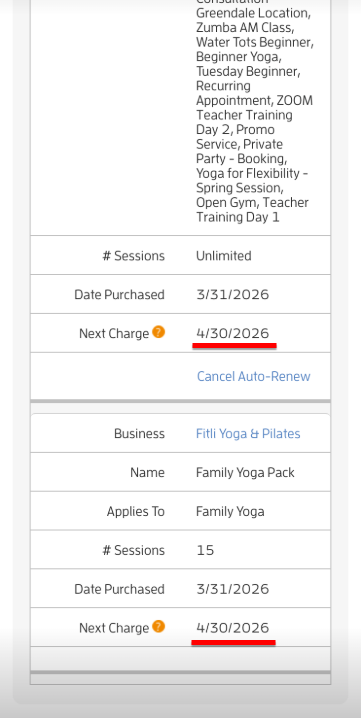
If you want to check the next charge/bill date of your auto-renewing package, this is currently ONLY available on the web.
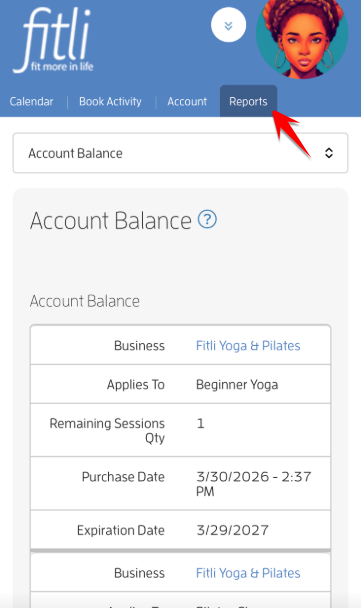
To check, log in to fitli.com using your device's browser. Go to Reports to check your "Account Balance".
Under "Auto-Renewing Plans", you'll see the "Next Charge" date of your package. Click HERE for a detailed guide.
That's it! Any questions? Chat with us or send us an email at support@fitli.com.