
Do you have a client that for some reason, might be leaving, suspending their account, or do you just need to remove them from all their upcoming classes? We've added a new "Withdraw From All" option so you can do this with just a few clicks. Here's how.
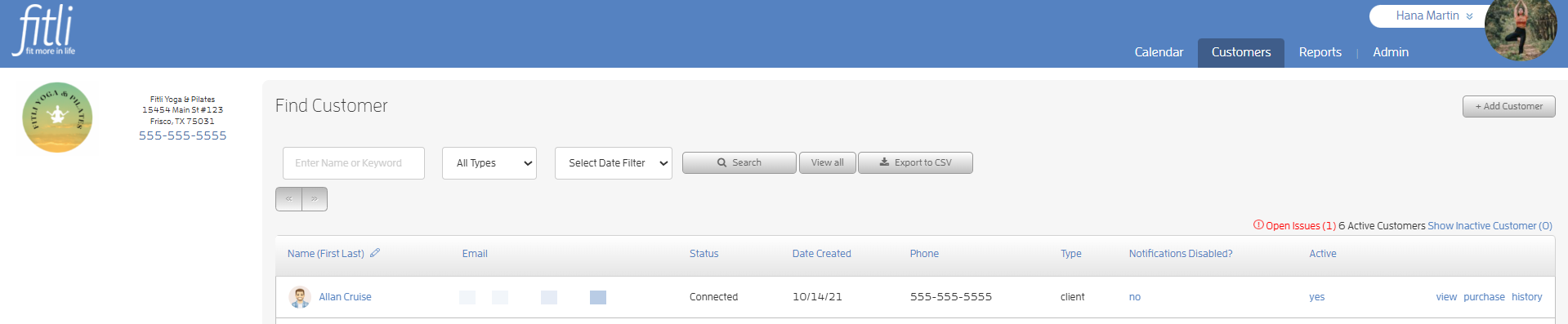
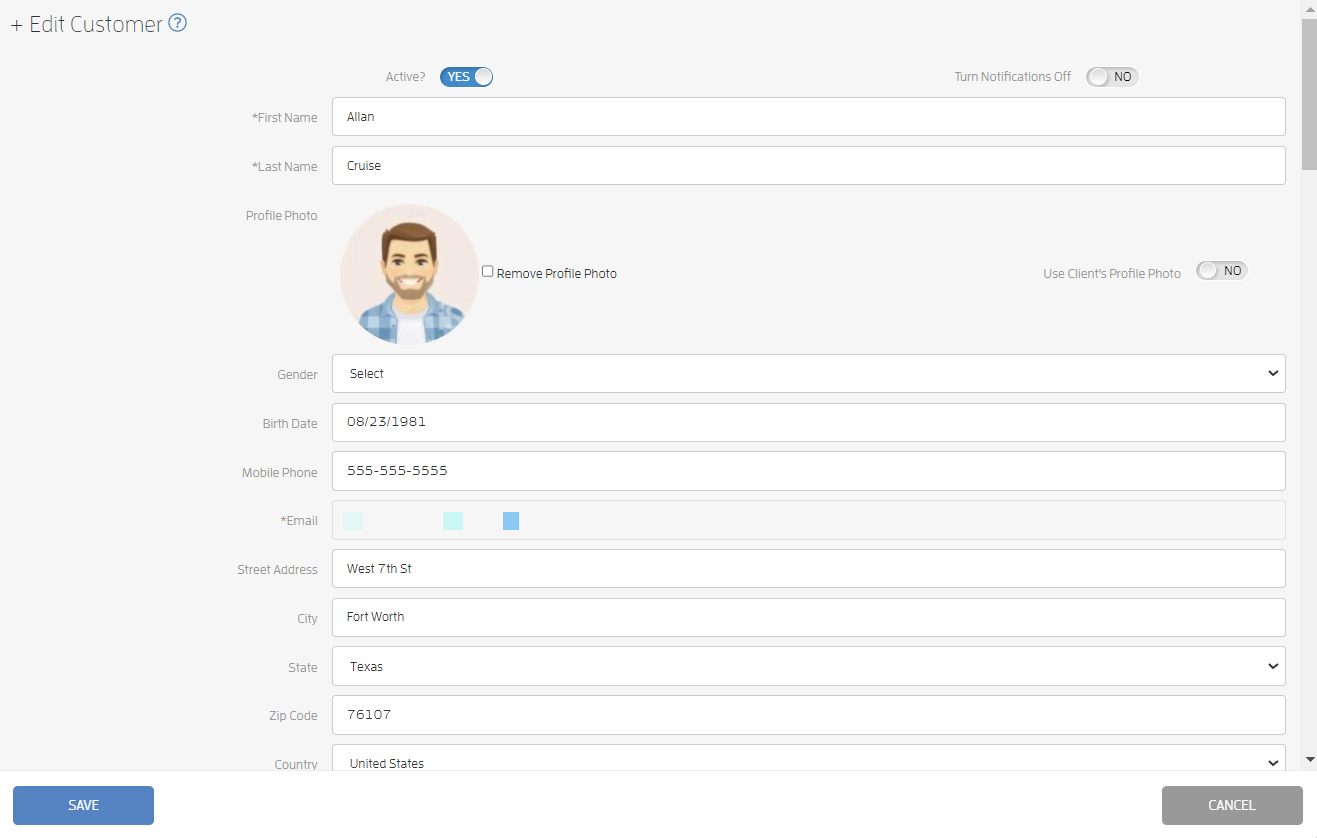
Search for your client on your Customers list. Click the "view" link or your client's name to open your client's profile.
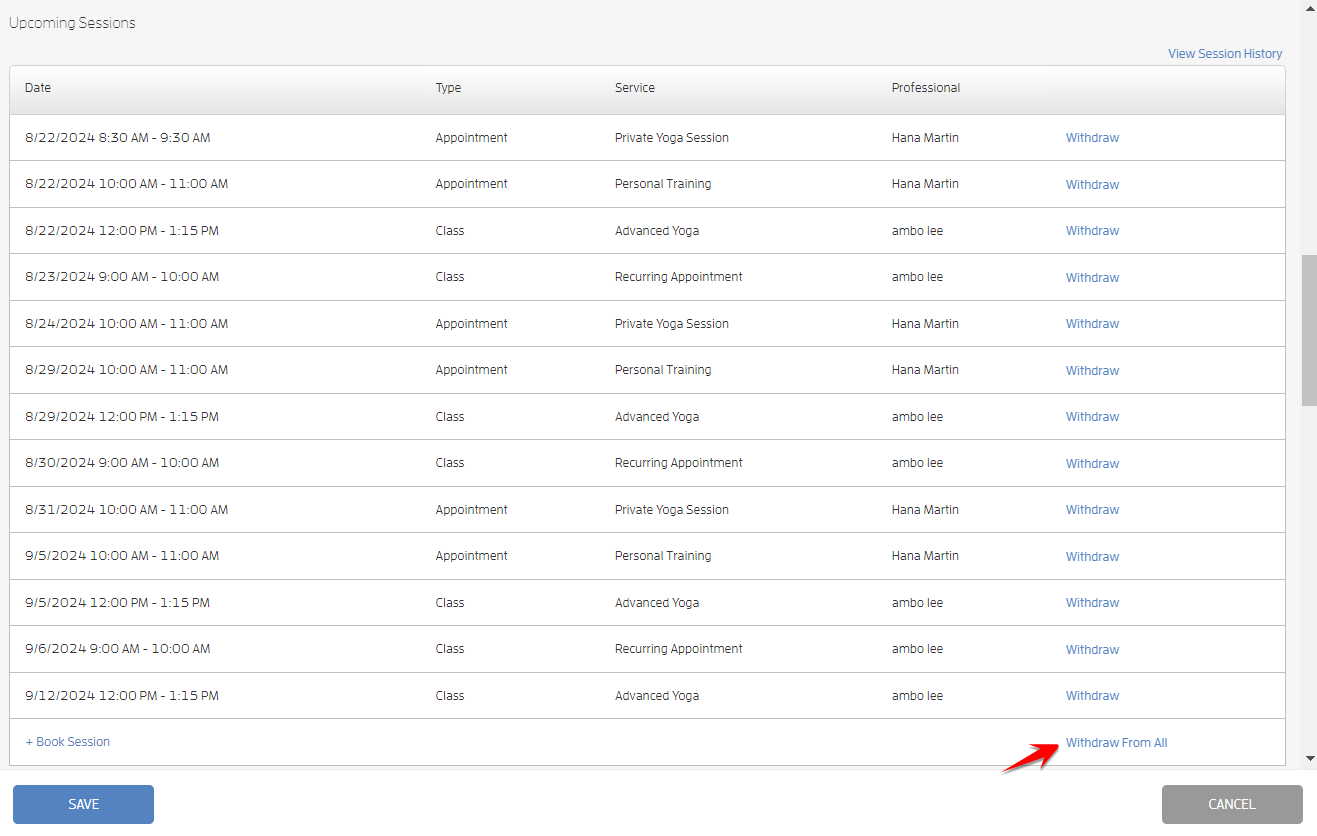
Scroll down to "Upcoming Sessions", click the "Withdraw From All" link and "Confirm".
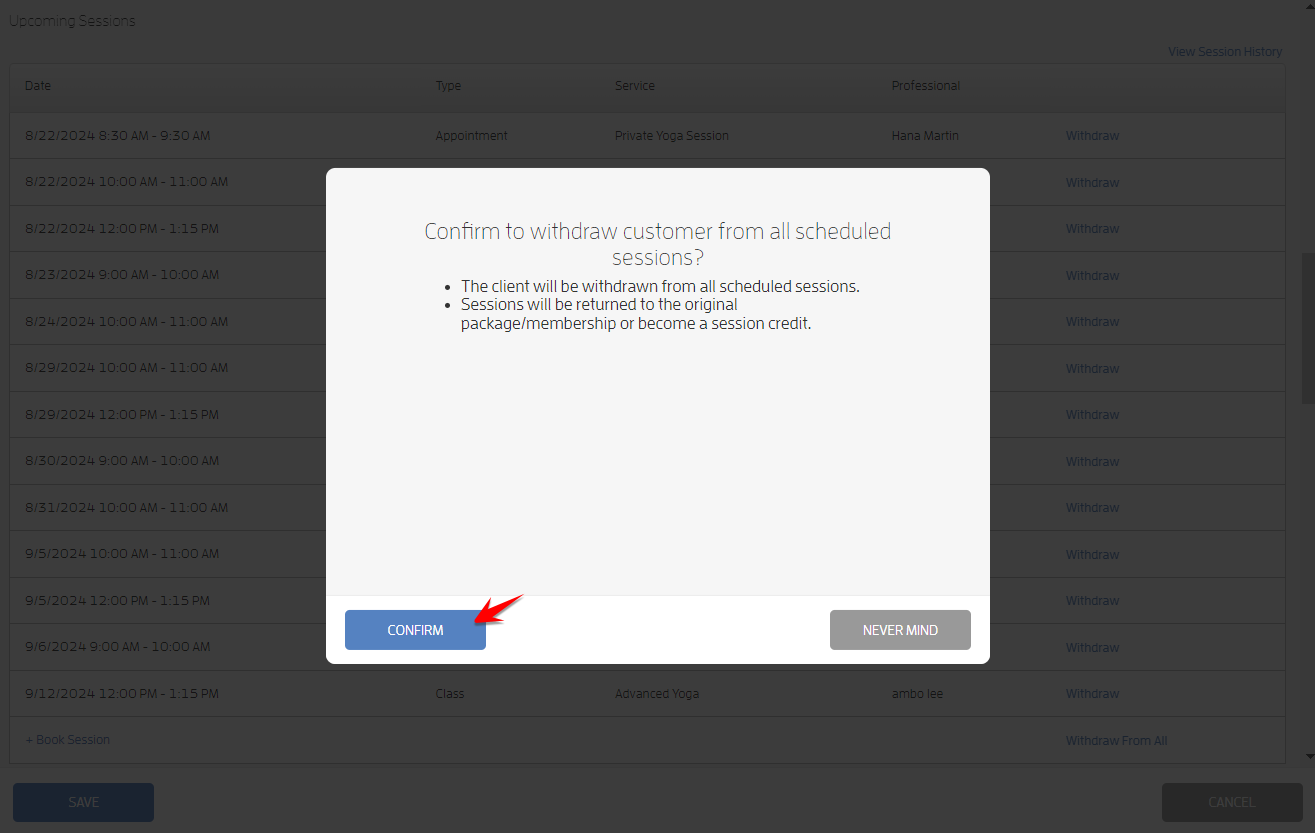
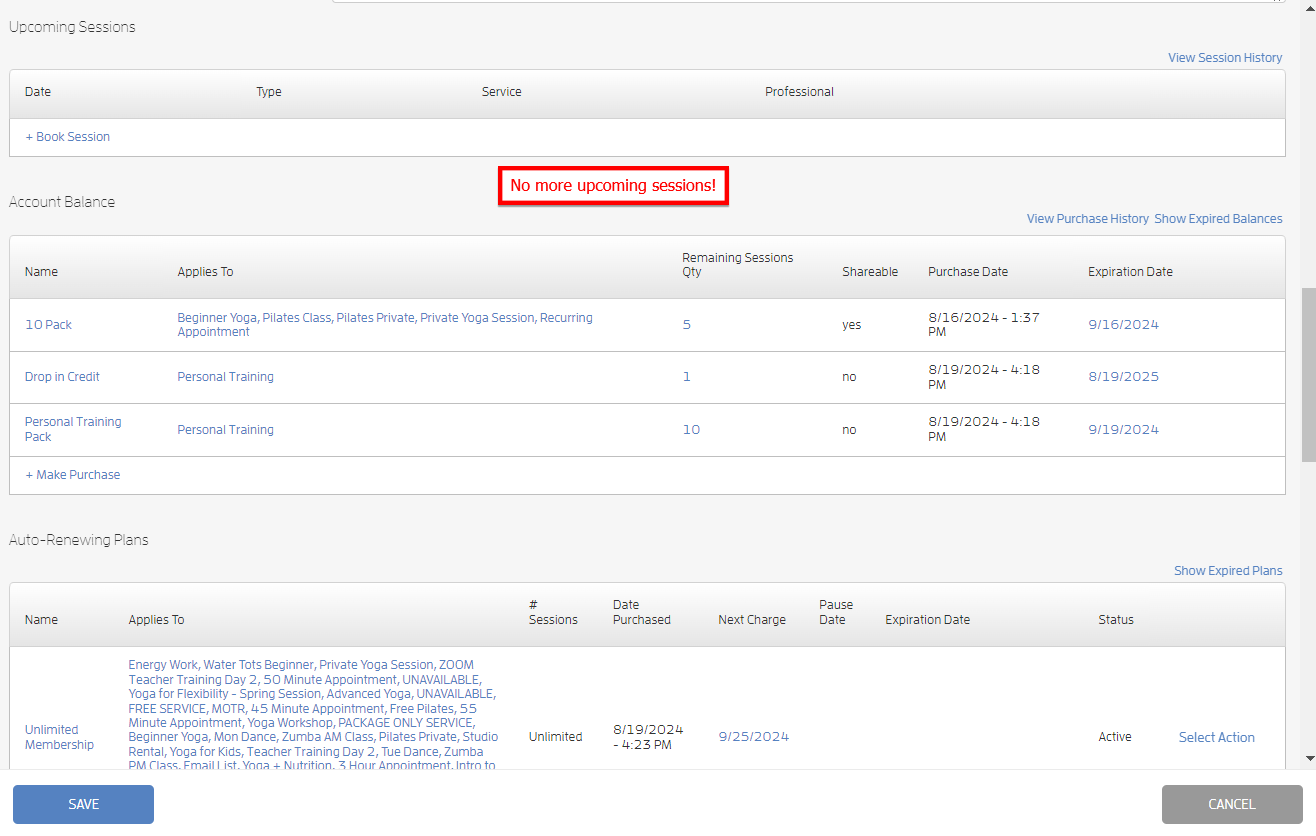
Your clients will get multiple emails regarding the withdrawn sessions. The sessions will be returned to your client's original package/membership or become session credits that they can use for future bookings.
Any questions? Chat with us or send us an email to support@fitli.com.