
You can request clients to leave reviews for your business.
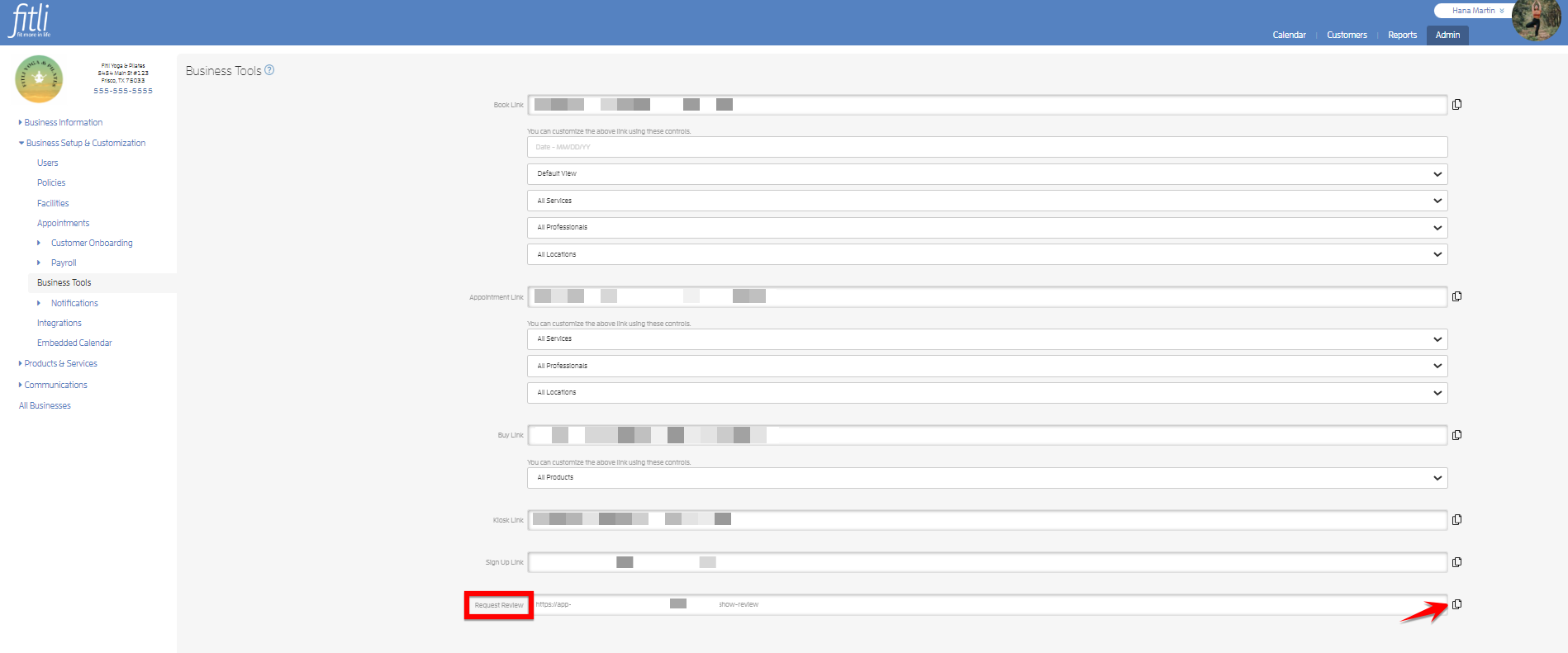
To do this, head to the Admin > Business Setup & Customization > Business Tools sections and click the copy icon beside "Request Review" and send the link to your clients.
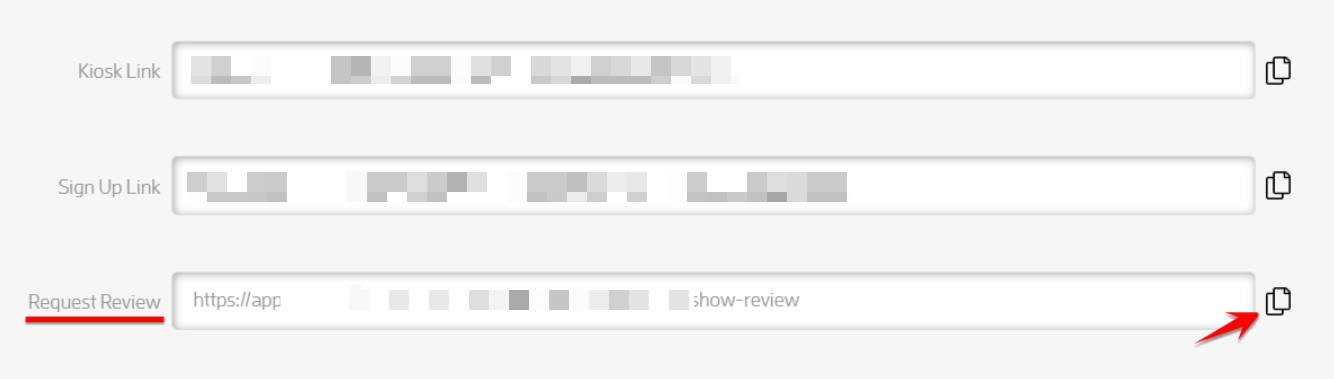
The link should look similar to the one below:

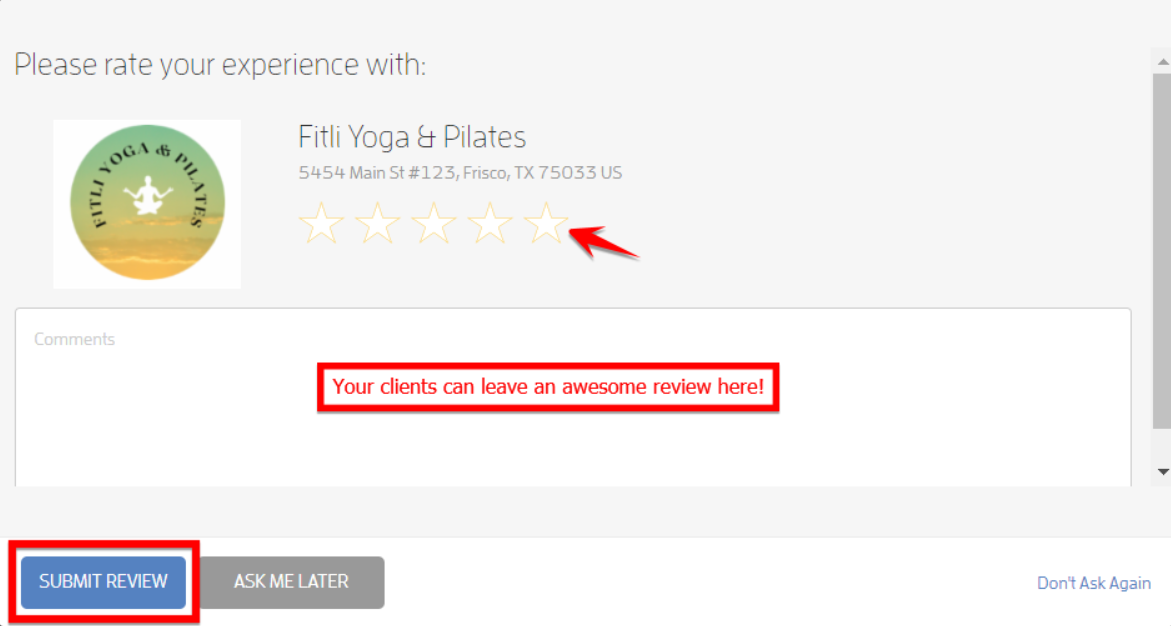
Use the "Request Review" link to post on social media, in emails, anything you'd like! Note that when clients click and then sign in, they're prompted to leave you a review.
That's about it! Any questions? Chat with us or send us an email to support@fitli.com.