Send Your Customers a Fitli Sign Up Link
The "Sign Up Link" would allow you to easily invite your new customers who have not registered for a Fitli account yet to sign up.
To get the direct business-specific "Sign Up Link", go to ADMIN at the top menu.
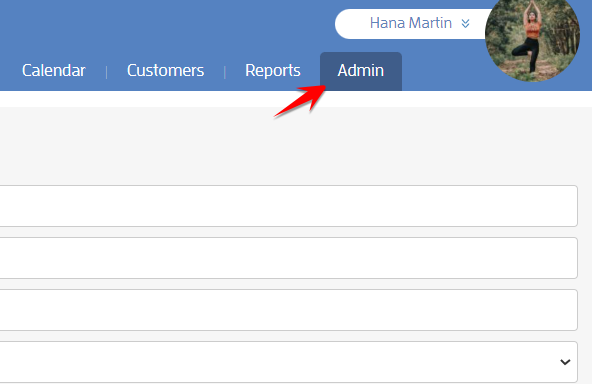
Click "Business Setup & Customization" and "Business Tools" on the left.

Scroll down and click the copy icon beside the "Sign Up Link" to copy it to your clipboard.

It should look similar to the following:

You can use the link to either send directly to potential customers, link or embed on your website and/or social media pages, or to pull up in your studio for new customers that haven't registered yet.
This link will direct your customers into your business' specific sign up page, which will include your customer’s login details, as well as your business’ custom questions and waiver (if you have any).
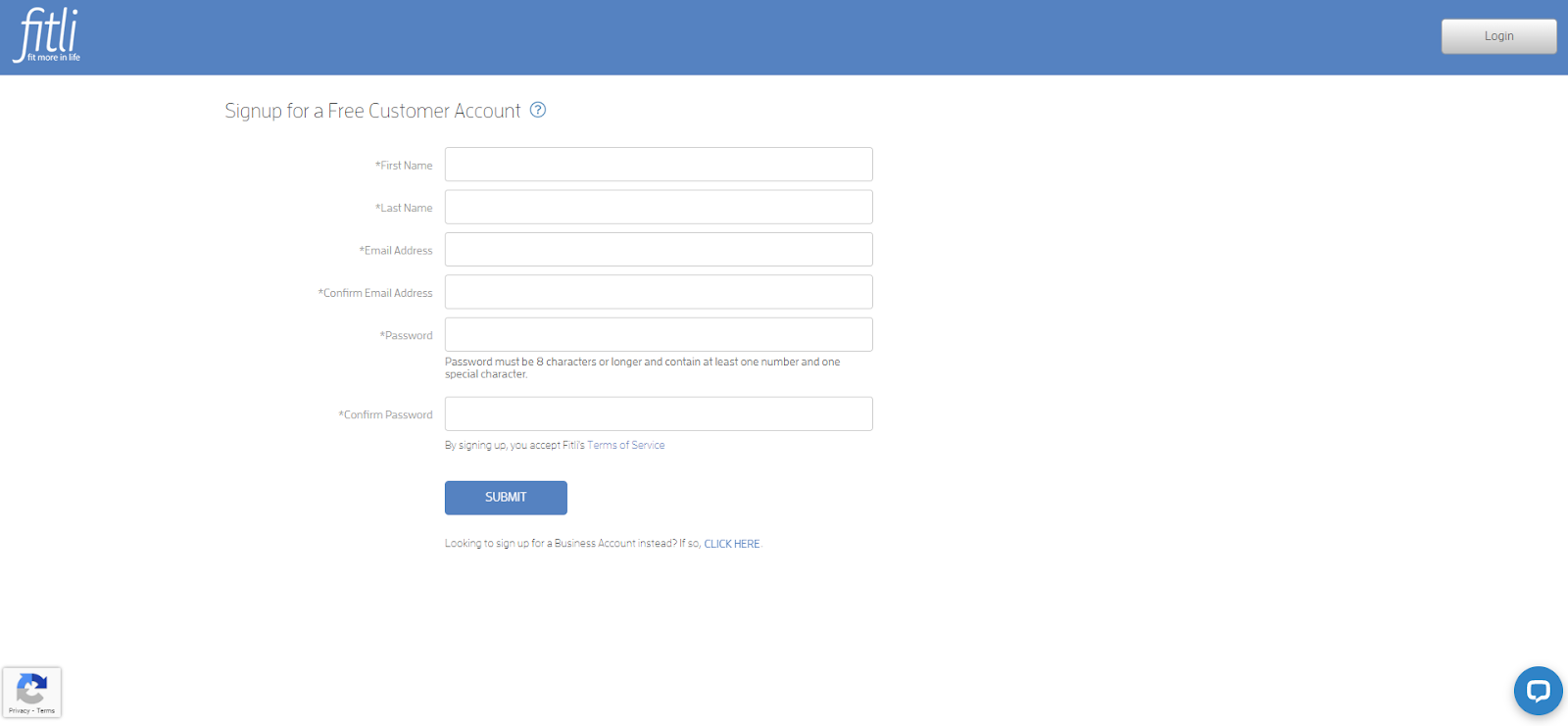
Once your customers complete the signup process, they’ll be added as "lead" on your Customers list. After their first purchase, they’ll be converted into "client".

That's about it! Any questions? Chat with us or send us an email to support@fitli.com.
Related Articles
Create Custom Fields and Set Required Fields For Your Customers
For business purposes, you need or would like to require certain information from your clients prior to signing up. Well, you can do this with just a few clicks! You can add and set custom fields for your clients. These fields will appear during the ...Signing up for a Fitli Business Account
Welcome to Fitli for Business! To sign up for a Fitli account, you've got TWO options. You can sign up for an account with or without payment processing. If you want to sign up without payment processing, you'll be able to use all the scheduling ...Can I send emails or messages to my clients and customers?
Here at Fitli, you have a few different ways to stay in touch with your clients and customers - build rapport and business recognition, keep clients up to date and let them know when things are happening! Contact All Customers in a Class To contact ...Can I send emails to all of my customers or my entire client base?
Here at Fitli, we're all about communication and ease of use for your customers - and want to help you get in touch with your customers. To that end, we're exploring working with other third party programs such as Constant Contact or Mailchimp - to ...Direct Appointment Booking Link
Your clients can begin the appointment booking process more quickly with the "Appointment Link". To find your unique appointment booking link: 1 - Head to the "Admin" section. 2 - Then click "Business Tools" on the left side under "Business Setup & ...