
You can book yourself and your relationship/s into appointments with just a few taps! Here's how.
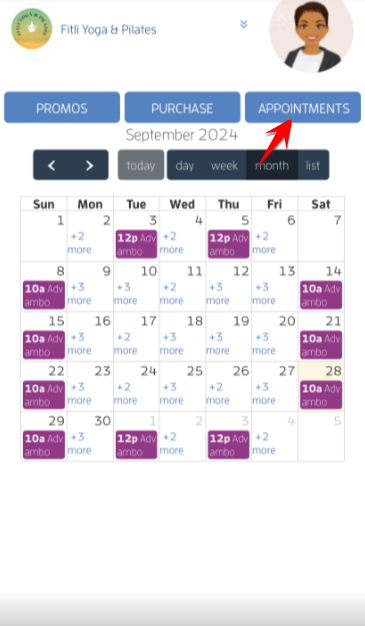
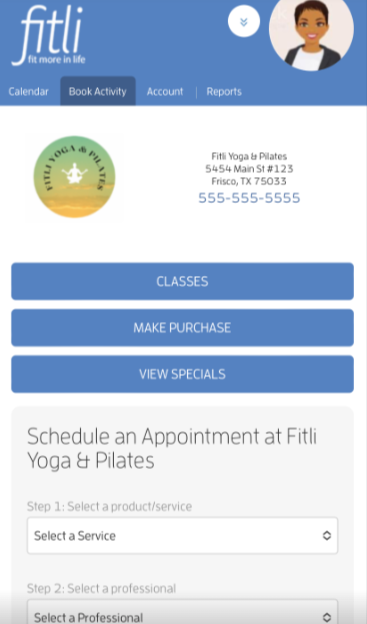
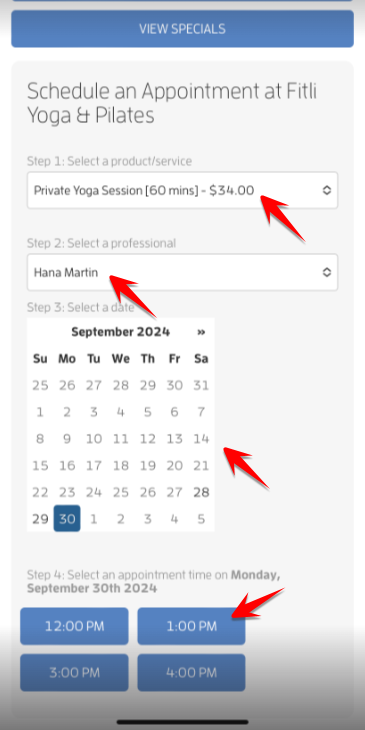
Step 1: Choose the "Appointment" option to book. Then scroll up, choose the service, trainer, date and time.
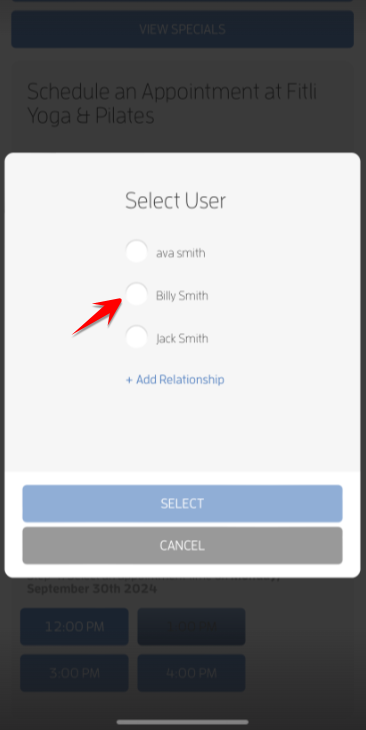
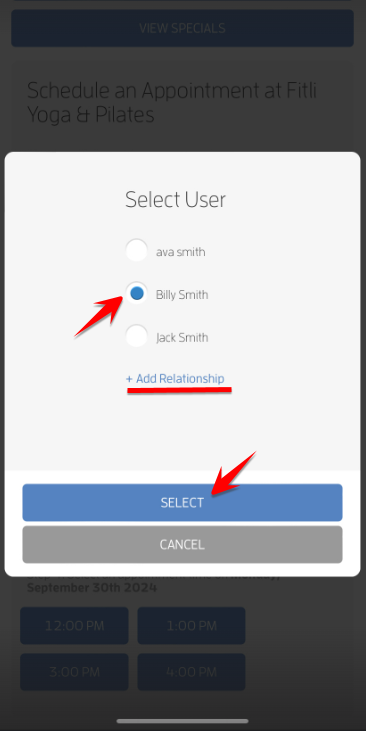
Step 2: Then, choose yourself or any of your relationships you'd like to book into the appointment and hit SELECT.
Note: You can add relationships while booking via the select user modal, scroll up to add a new relationship. Click HERE for a detailed guide.
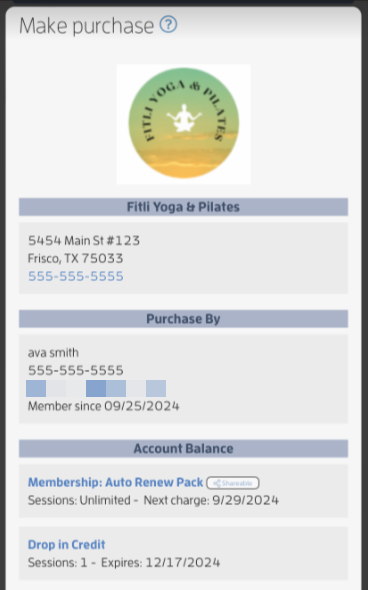
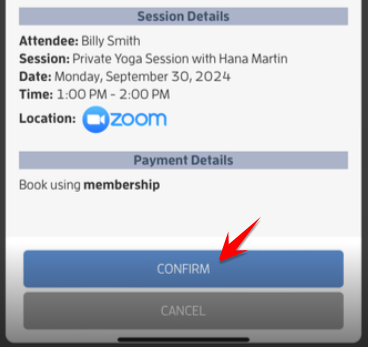
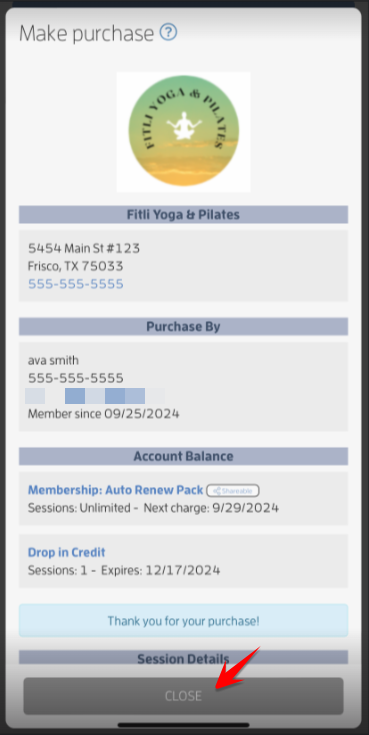
Step 3: If you have an existing shared package/membership for you and your relationships, you'll be taken to the booking confirmation page. If not, you'll be able to purchase a package/membership. Tap CONFIRM and CLOSE.
That's about it! Any questions? Chat with us or send us an email to support@fitli.com.