
Steps:
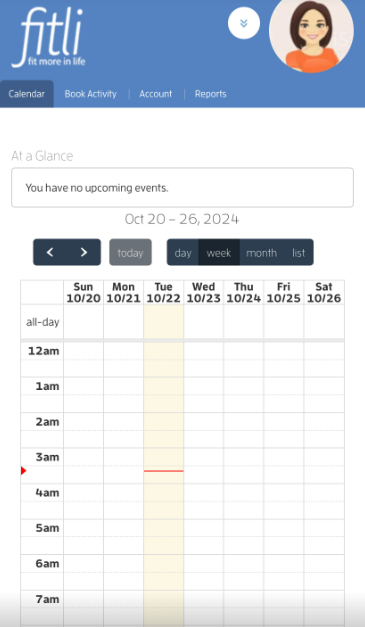
1 - Log in to your personal Fitli account.
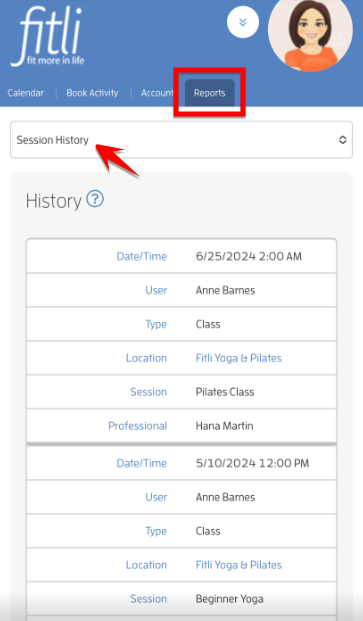
2 - Tap on "Reports" at the top, then "Session History" on the pulldown.
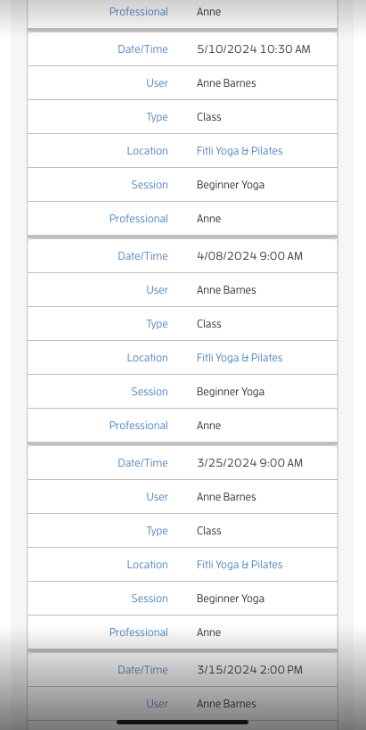
- This will open a History form with all classes / sessions that you have attended in the past. Scroll to see all of them.
That's about it! Any questions? Chat with us or send us an email to support@fitli.com.