
You have embedded the calendar into your website and the colors clash with your logo and color scheme. What can you do? No worries! You can update your services so that they show up on the calendar in whatever color you want! You can choose from millions of options. Here is how you do it.
Click "Admin" on the top menu then navigate to "Products & Services" to access the "Services" section.
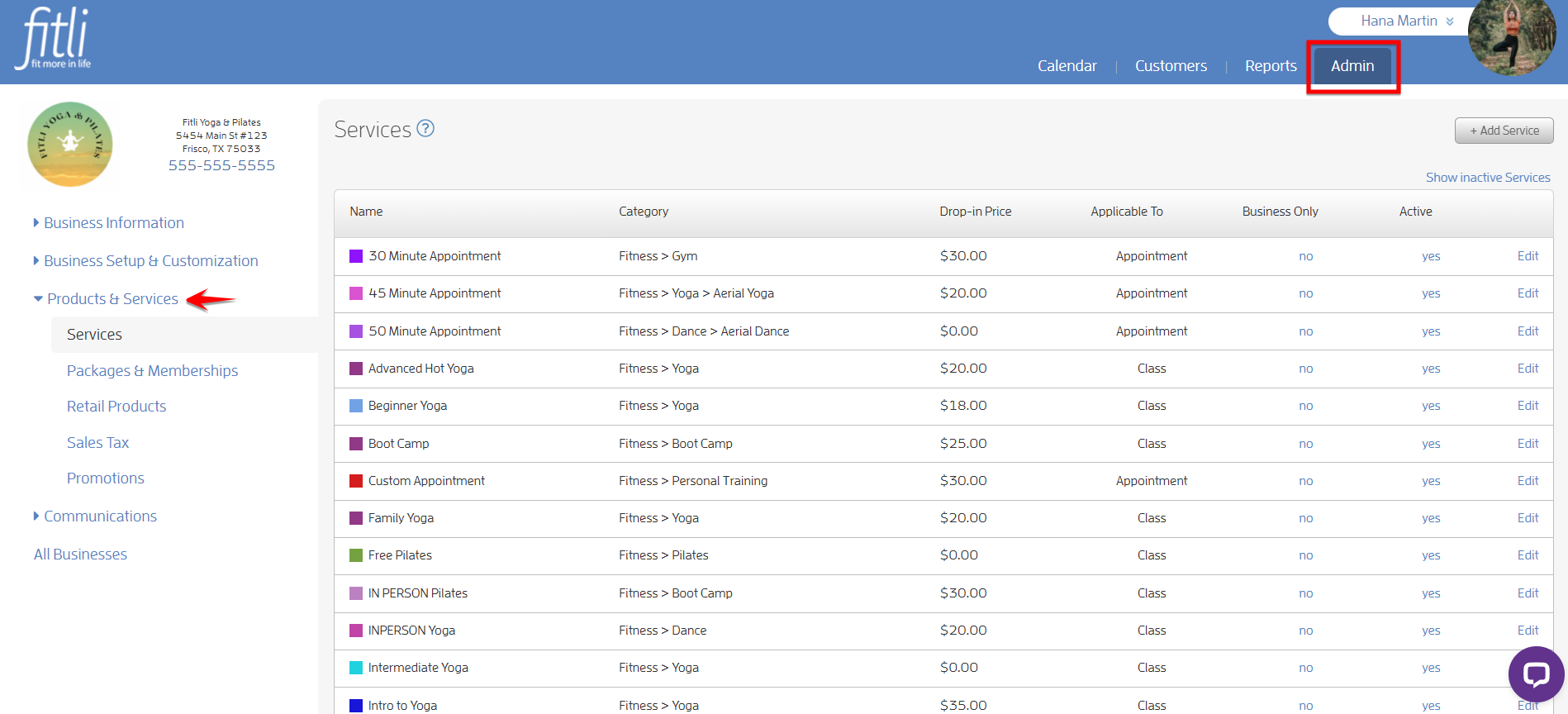
Either Add a Service or Edit an existing service.
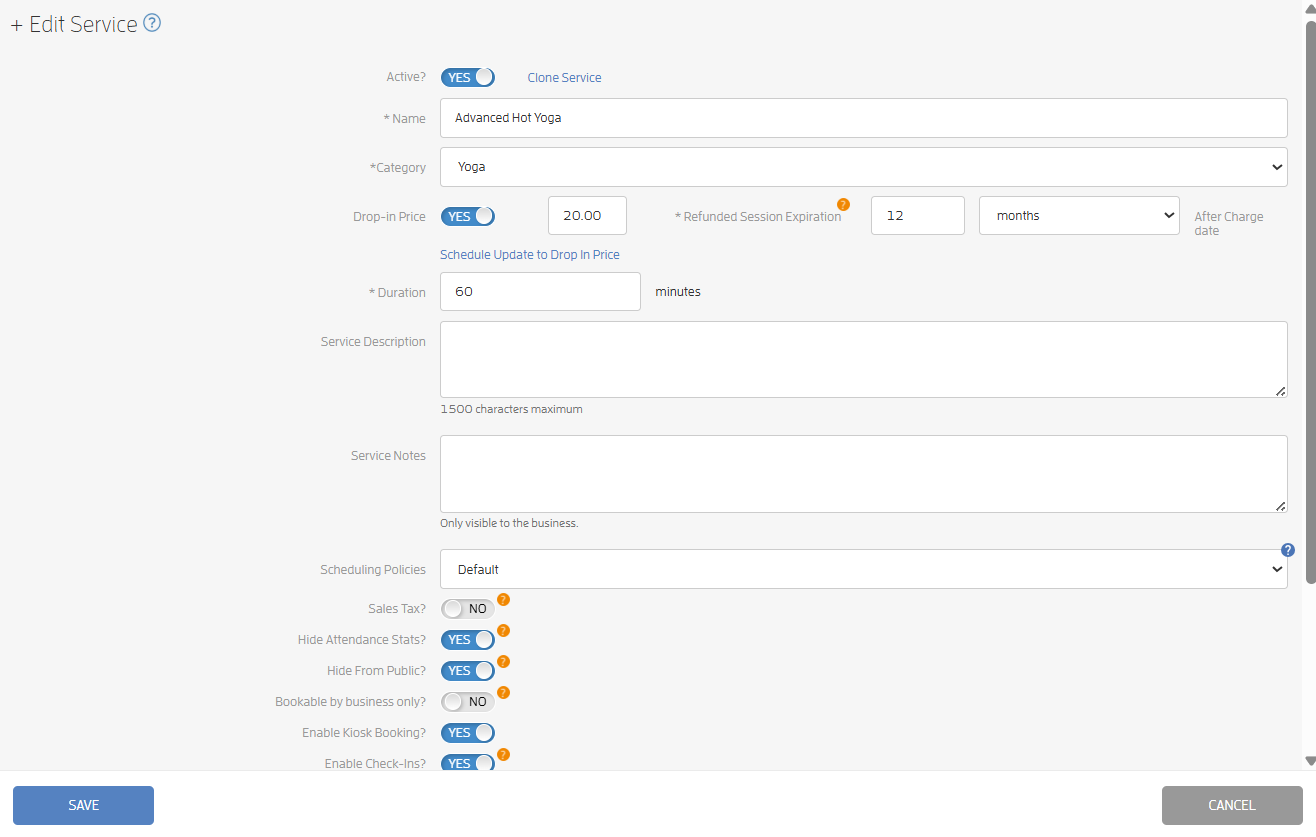
Scroll down and click on the "Background Color" box at the bottom. You can enter a hex color code (if you know it) or move your mouse around the color picker to find what you want.
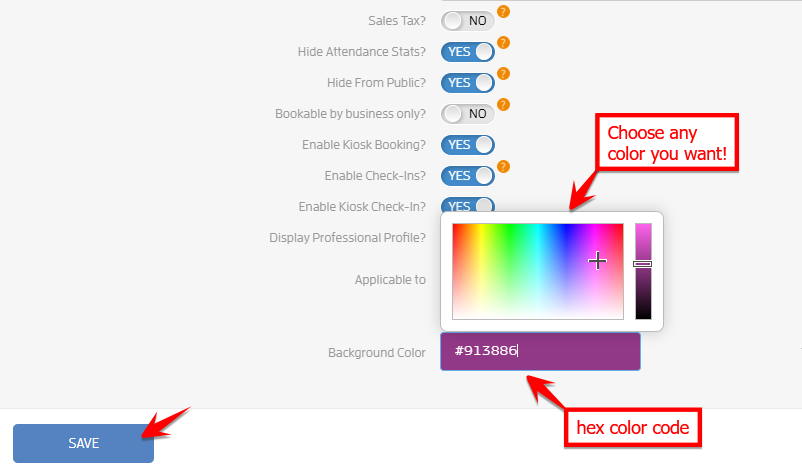
Click SAVE. Your new color will show up both in the list of services and on your calendar, it's that easy!
That's about it! Any questions? Chat with us or send us an email to support@fitli.com.