
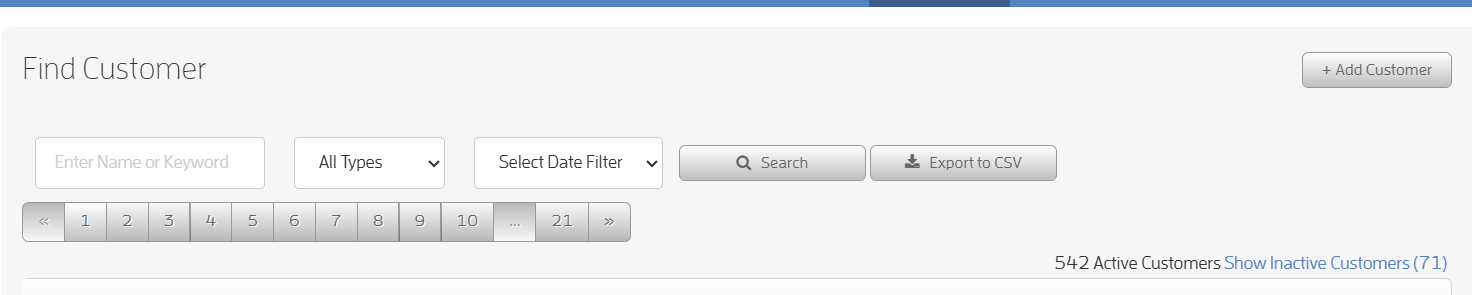
This feature will show you at a glance from your Customers list, how many active and inactive customers you have.
You can also click on the "Show Inactive Customer/s" to view your inactive customers, then click the "Hide Inactive Customer/s" to view your active customers.
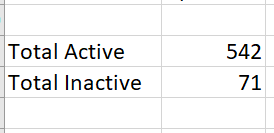
Your customer count will also show up on the exported .csv file at the bottom of column A.
We hope you enjoy this feature, any questions you have, please reach out to Fitli support via chat or at support@fitli.com.